HTTP
Typical port: 80
⚠ No TLS encryption
Traffic can be read or changed by an attacker on an unsafe network. Browsers may show “Not Secure”.
Connection security
Many websites still use HTTP. HTTPS with modern TLS protects the connection between a visitor and a website.
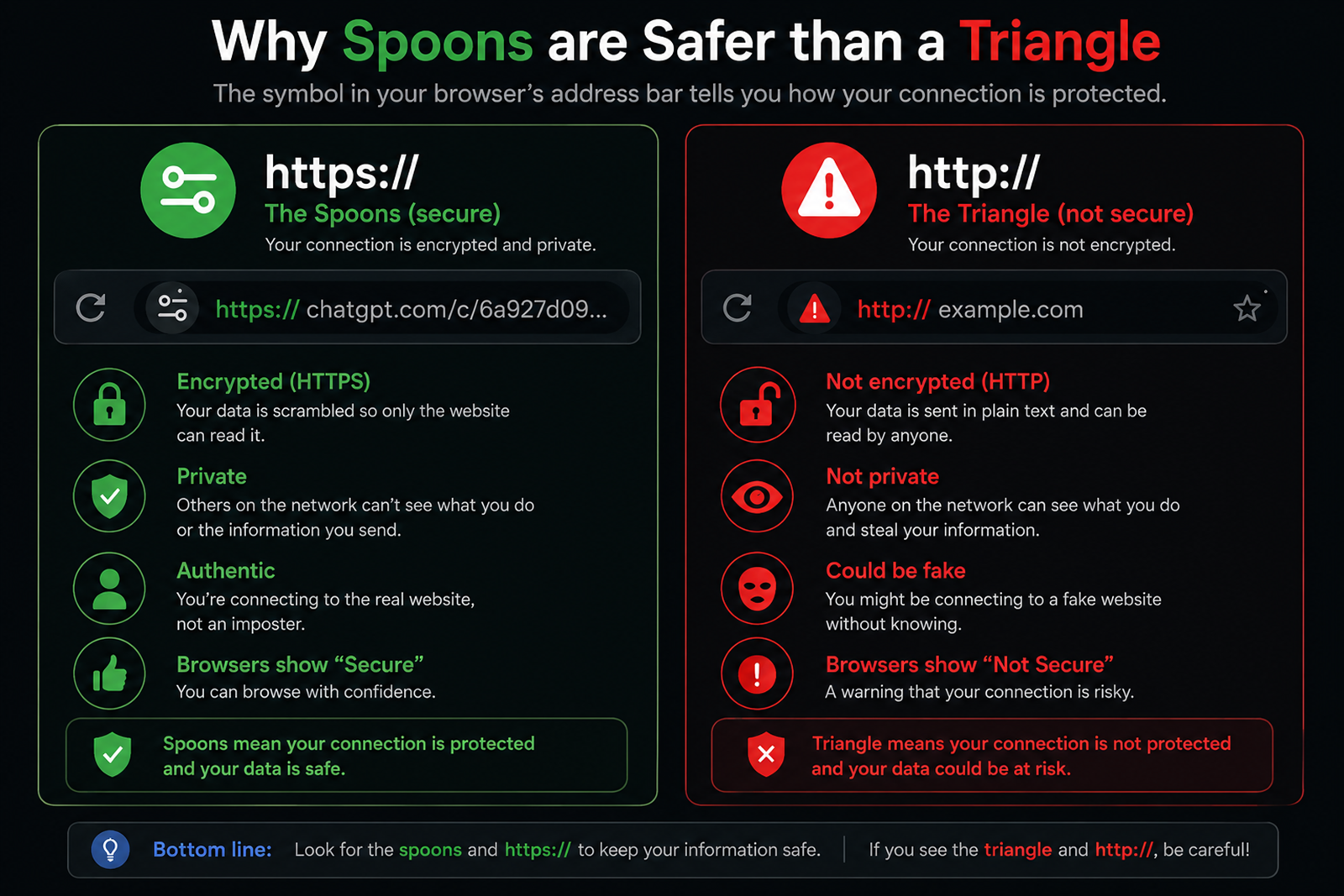
Typical port: 80
⚠ No TLS encryption
Traffic can be read or changed by an attacker on an unsafe network. Browsers may show “Not Secure”.
Typical port: 443
🔒 HTTP running over TLS
TLS encrypts traffic and helps the browser verify that it reached the expected domain.
Port 443 is the conventional HTTPS port. The protection comes from TLS, not from the port number itself.
TLS 1.2 / TLS 1.3
        ↓
Encryption
        ↓
HTTPS| Protocol | Standardized | Widely adopted | Status |
|---|---|---|---|
| SSL 2.0 | 1995 | 1990s | Obsolete |
| SSL 3.0 | 1996 | Late 1990s | Obsolete |
| TLS 1.0 | 1999 | Early 2000s | Obsolete |
| TLS 1.1 | 2006 | Limited adoption | Obsolete |
| TLS 1.2 | 2008 | 2014–2016 | Supported |
| TLS 1.3 | 2018 | 2019–2021 | Modern |
This establishes a TLS connection to the server and reports the negotiated protocol and cipher.
openssl s_client -connect boards.pig.kr:443 -tls1_2Example result:
Protocol  : TLSv1.2
Cipher : ECDHE-ECDSA-AES256-GCM-SHA38480 → HTTP → ⚠ Not Secure
443 → HTTPS → TLS → 🔒 SecureThe number 443 is not what makes a connection secure. TLS is what makes HTTPS secure.